
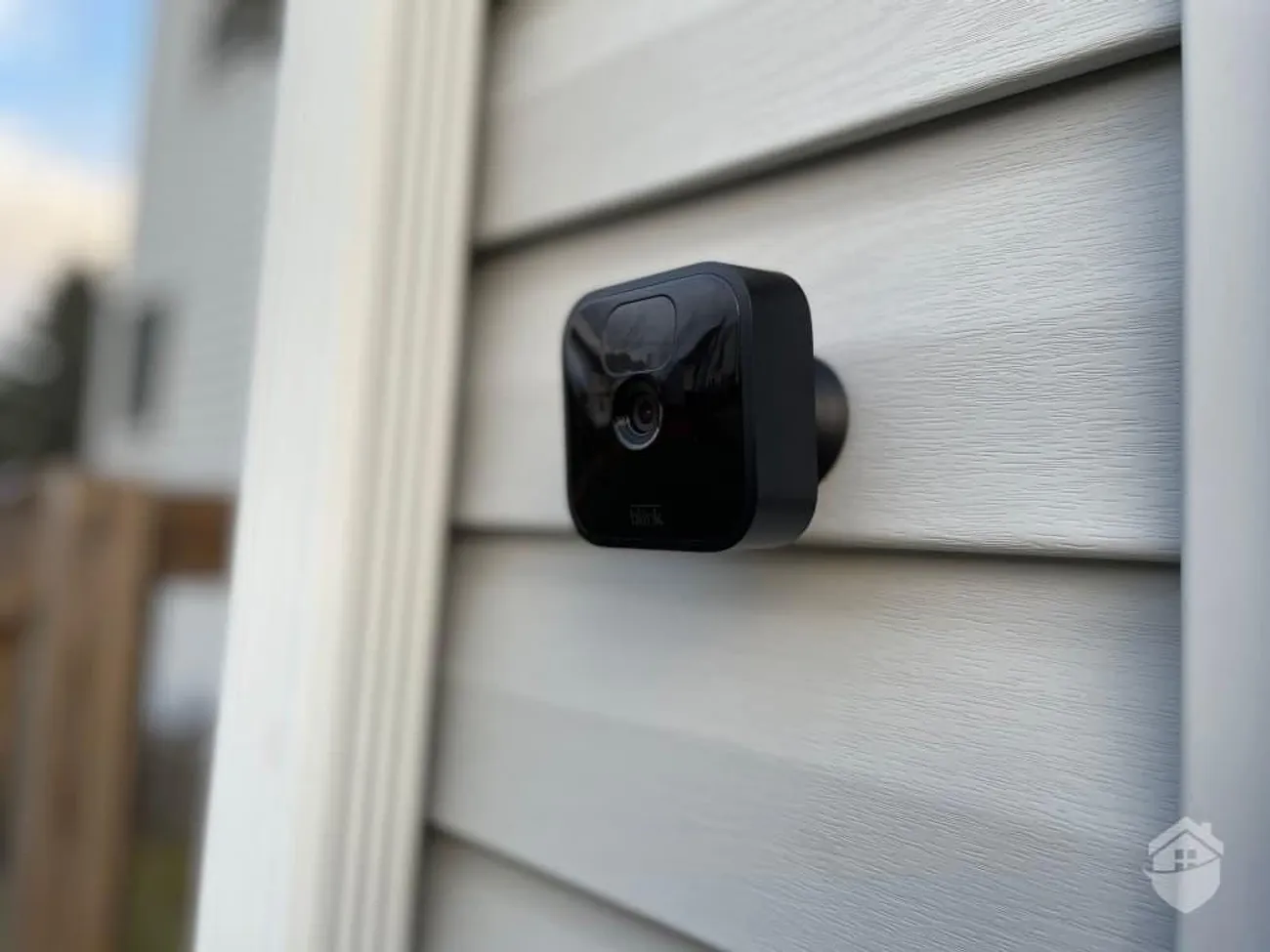
A plain-English look at camera bandwidth — upload vs. download, resolution, local vs. cloud recording — and a simple way to estimate how many cameras your connection supports.
You want eyes on the gate, the equipment yard, the front drive, and the barn. The cameras are cheap enough now that the question isn’t whether to add them — it’s how many your connection can actually carry before everything else starts to crawl. Let’s make that easy to figure out.
The number that matters is upload, not download
Most people think about internet speed as download — how fast a movie streams in. Cameras are the opposite. They send video out to a recorder or the cloud, and that’s upload. Out here, upload is usually the smaller number on your plan, which is exactly why a few cameras can quietly bog things down.
So when you’re sizing for cameras, ignore your download number for a minute and look at your upload speed. That’s the budget every camera spends from.
What a camera actually uses
A camera’s appetite depends on three things:
- Resolution. A 4K camera uses roughly four times the bandwidth of a 1080p one. Higher detail, bigger stream.
- Frame rate. Smooth 30-frames-per-second video uses more than a perfectly usable 15.
- What it’s watching. A camera pointed at a still driveway sends far less than one watching wind-blown trees or a busy yard, because most cameras only send detail when something changes.
As a rough, defensible rule of thumb for planning:
- 1080p camera: budget around 2–4 Mbps of upload each, busy.
- 4K camera: budget around 8–16 Mbps of upload each, busy.
These are ceilings, not averages — a quiet scene uses much less. But planning to the ceiling is what keeps things smooth when everything’s moving at once.
The simple estimate
Here’s a back-of-the-napkin way to size it:
- Find your plan’s upload speed.
- Reserve some for everything else you do online — calls, backups, browsing. Leaving a third of your upload free is a safe starting point.
- Divide what’s left by the per-camera budget above.
Say you’ve got 10 Mbps upload. Hold back ~3 for normal use, leaving 7. At 1080p (call it 3 Mbps each, busy), that’s room for roughly two cameras streaming hard to the cloud at once — or a good handful if they’re mostly watching quiet scenes. Want more? That’s where recording locally changes the whole game.
Local recording is the cheat code
Here’s the part that solves almost everyone’s bandwidth problem: record locally.
If your cameras save footage to a recorder on-site — an NVR, a hard drive, or a local hub — they barely touch your internet at all. The video lives on the box. Your connection is only used when you pull up a live view or review clips, which is occasional, not constant.
Compare the two:
- Cloud-only recording: every camera streams every second to the cloud, all day. Heavy, constant upload. Great for grab-and-go simplicity, hard on a thin rural line.
- Local recording (with optional cloud): footage stays on-site; only alerts, thumbnails, or clips you choose go up. A property can run far more cameras this way without ever feeling it.
The popular middle ground: record everything locally, push short event clips or snapshots to the cloud so you get a phone alert and an off-site copy of the important moments. You get the safety of off-site backup without the cost of streaming everything, everywhere, always.
Coverage out to where the cameras are
Bandwidth is one half. The other is getting a signal to the camera in the first place. A camera on a remote gate or a far barn needs a reliable link back — an outdoor access point, a wireless bridge, or a wired run. On sprawling properties that’s a design job, not a plug-and-play one. We map it with the same approach we use for vineyard sensors and IoT: follow the sightlines, place links where they’ll reach, and leave room to add cameras later.
Don’t forget power and fire season
A camera is only watching if it’s powered and online. During a Public Safety Power Shutoff, both can drop at once. If your cameras matter most exactly when the power’s out, put your recorder and network gear on battery backup so they keep running through a blink — or a longer outage. Our PSPS guide walks through sizing backup power for the gear that has to stay up.
Get the camera plan and the connection plan to match
The mistake we see most: someone buys eight 4K cameras, sets them all to stream to the cloud, and then blames the internet when video stutters and calls drop. The fix is almost never “buy a bigger plan” alone — it’s matching the camera setup to the connection, recording locally where it makes sense, and sizing upload for what you actually run at peak.
If you’re planning a camera setup, start by knowing what your connection can deliver. Run our Check My Address tool to see what AVISP can bring to your property, and we’ll help you build a camera plan your line can actually carry. Local crew, honest numbers, no surprises after the install.